
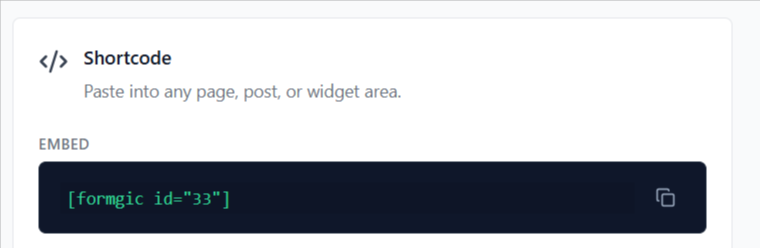
Use the mentioned shortcode to display the form directly inside your page content. The conversational form will appear directly inside the page.
Example:
How to Use
- Copy the shortcode
- Open any page or post in WordPress
- Paste the shortcode into the editor
- Save or publish the page
Popup
Use this shortcode to open the conversational form inside a popup window.
Example:
How to Use
- Copy the popup shortcode
- Paste it into any page, post, or widget area
- Save or publish the page
The form will automatically open as a popup when triggered.

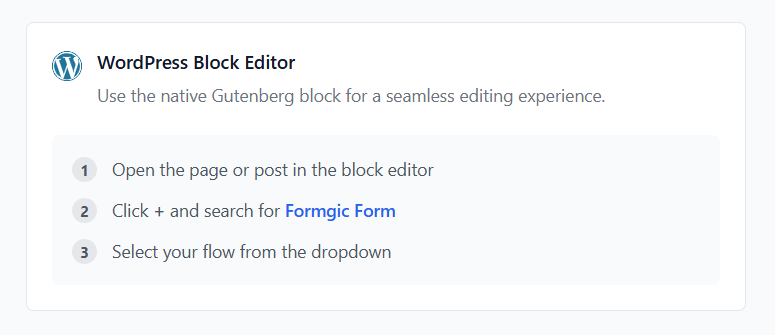
WordPress Block Editor
You can also add forms using the native WordPress Block Editor (Gutenberg).
Steps
- Open the page or post in WordPress
- Click the + button to add a block
- Search for: Formgic Form
- Add the block
- Select your conversational flow from the dropdown
The form will load automatically inside the editor preview.